WordPress to Astro Migration for Small Businesses

Leave WordPress With a Clear Plan
A successful migration is more than rewriting a theme. We audit the existing site, rebuild the pages that matter, and prepare the launch so your new foundation is lighter, clearer, and easier to maintain.
-
URLs and Redirects
Every indexed address is inventoried and given a destination, so existing links and bookmarks keep working after the switch.
-
Content and Metadata
Posts, pages, media, titles, descriptions, and structured data move across with their meaning and formatting intact.
-
Forms and Analytics
Contact forms, tracking, and goal measurement are rebuilt and verified before launch rather than reconnected afterwards.
-
A Smaller Attack Surface
No database, theme stack, or plugin queue to patch each month, which removes a recurring category of maintenance work.
-
An Editing Path You Keep
We agree on how you will update content after launch, whether that is a Git-based CMS or handing changes to us.
-
A Lighter Foundation
Static output means fewer moving parts between a visitor and your content, and fewer things that can break quietly.
 URLs and Redirects
  Content and Metadata
  Forms and Analytics
  A Smaller Attack Surface
  An Editing Path You Keep
  A Lighter Foundation
 What We Protect During the Migration
We do not promise identical rankings after a migration: search changes, and performance depends on your content and market. We do document and carry over the signals that are within our control.
-
A complete URL map
Every indexed address is inventoried and assigned a destination before anything is switched over, with 301 redirects prepared in advance.
-
Metadata and structured data
Titles, descriptions, canonicals, sitemaps, and JSON-LD are carried across and validated against the new build.
-
Forms, analytics, and launch checks
We confirm that enquiries arrive and measurement still reports before the DNS change, with a rollback path agreed up front.
The Migration Plan
Four stages, each with a checkpoint you can review before we move to the next one.
- 01
Audit
Inventory URLs, content, metadata, media, forms, analytics, and dependencies that need to survive the move.
- 02
Rebuild
Rebuild the useful templates and pages in Astro with a lighter foundation and clearer conversion paths.
- 03
Protect SEO
Map URLs, prepare 301 redirects, canonicals, sitemap, structured data, and internal-link checks.
- 04
Test and Launch
QA across representative devices, verify forms and measurement, then launch with a clear rollback procedure.
A Good Fit If This Sounds Familiar
A migration is worth doing when the current stack is the thing holding the site back, not when the site simply needs new copy or design.
-
Plugins and themes slow you down
Your brochure site or blog carries maintenance overhead that is out of proportion to what the site actually does.
-
You want to keep what already works
Your content, important URLs, and working forms should survive the move instead of being rebuilt from memory.
-
You would rather have a person than a dashboard
You prefer direct support to another technical admin panel that you have to learn and keep updated.
Work That Speaks Volumes
Transformative projects for businesses ready to stand out and grow.
-
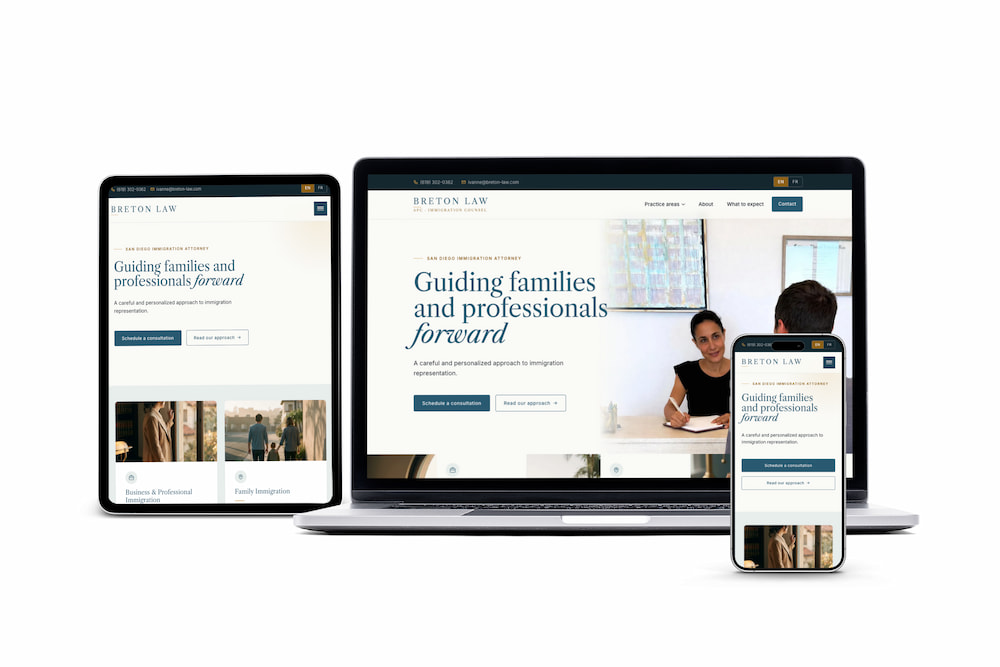
Breton Law
Refined brand + bilingual site -
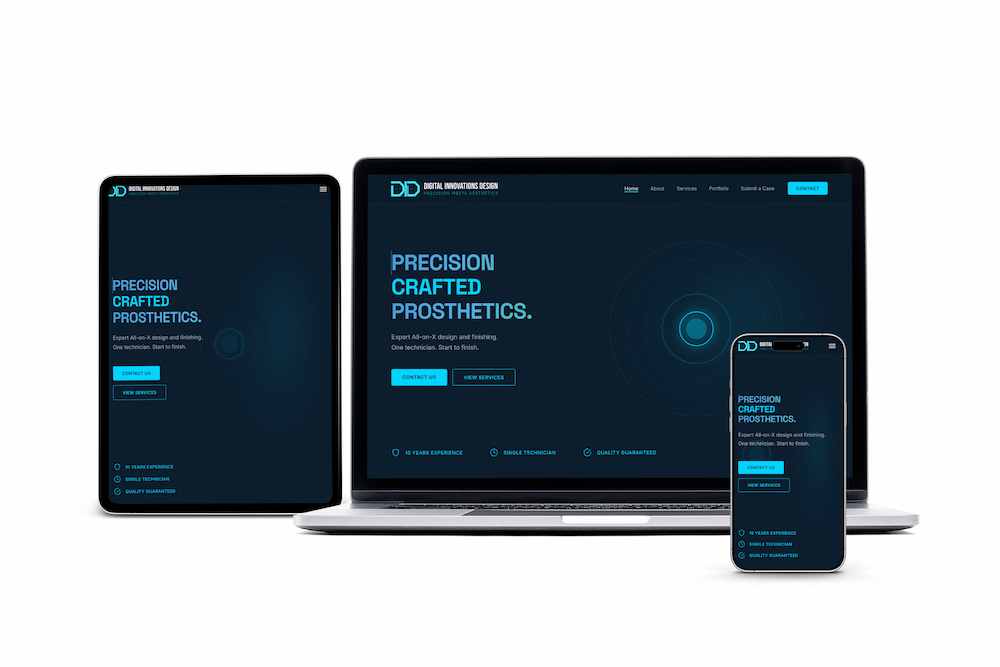
Digital Innovations Design
Brand system + production site shipped -
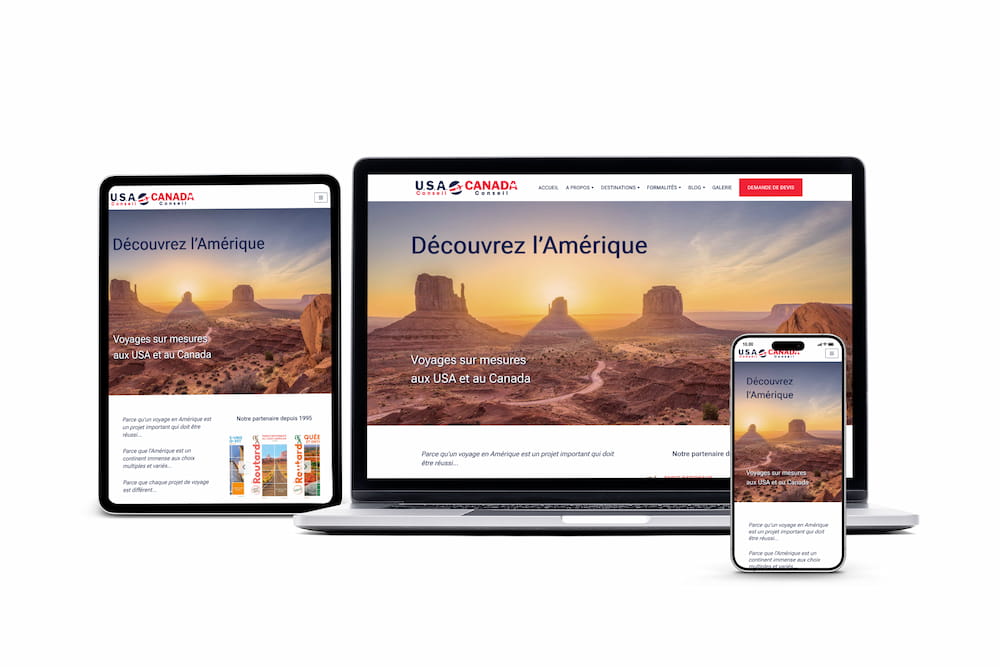
USA Conseil
760% traffic increase in 12 months -
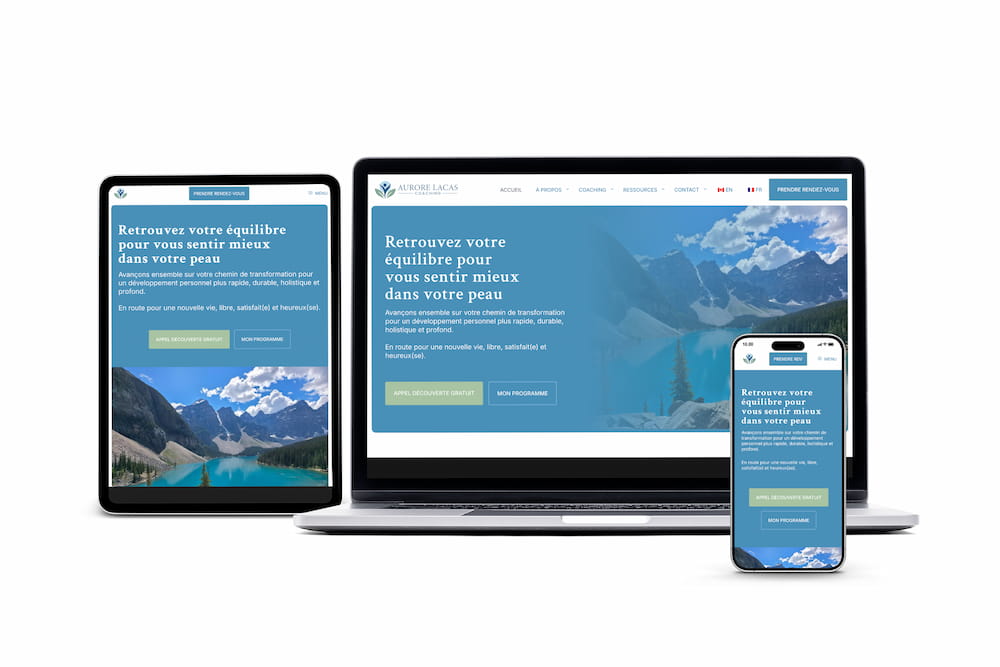
Aurore Lacas Coaching
Bilingual launch + local SEO lift -
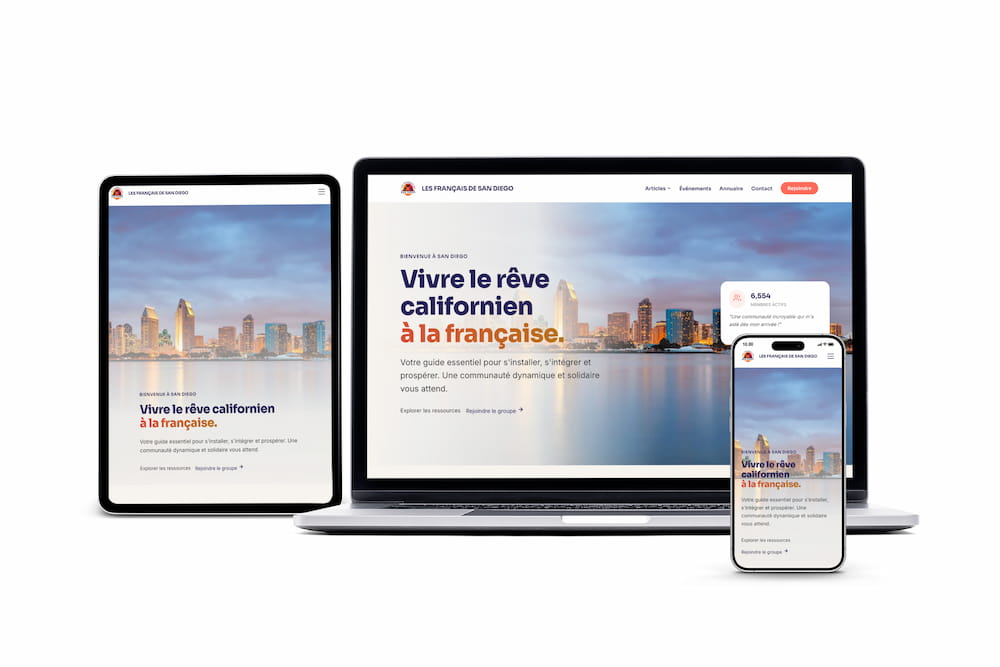
Les Français de San Diego
WordPress → Astro migration -
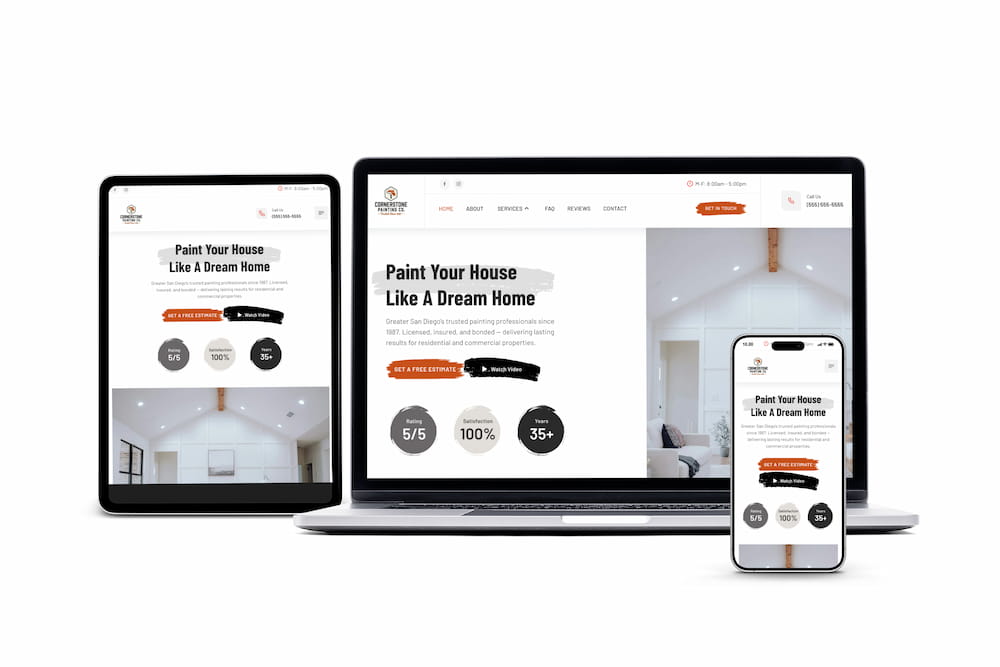
Cornerstone Painting Co.
Modern site for a trusted SD painter
Questions Before a Migration
-
Should I just stay on WordPress?
Sometimes, yes. A complex WooCommerce store, an essential membership system, an advanced editorial workflow, or a plugin providing functionality you do not want to rebuild are all good reasons to stay. We would rather tell you that on the call than sell you a migration you do not need.
-
Will I lose my Google rankings?
No migration can guarantee identical rankings, and anyone promising that is guessing. What a careful plan does is preserve the signals you control: URL mapping, redirects, metadata, internal links, structured data, forms, analytics, and launch checks.
-
How will I edit content afterwards?
We agree on the editing path before the rebuild starts. That is usually a Git-based CMS you log into, or handing content changes to us as part of an ongoing care plan.
-
How long does a migration take?
It depends on the number of pages, templates, and integrations. You get a scope and a realistic timeline after the audit stage, rather than an estimate before anyone has looked at the site.
-
What happens if something breaks at launch?
Every launch has a rollback procedure agreed in advance. The previous site stays available until redirects, forms, and analytics have been verified on the new one.
Is your WordPress site a good candidate?
Share your URL and constraints. We will reply with a realistic scope, what to preserve, and what to resolve before discussing a rebuild.